Production Taxes
Just like capex models and opex models, you can also create tax models. You can specify which tax calculation type you'd like to use under Settings:
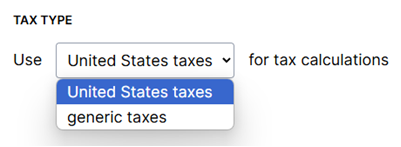
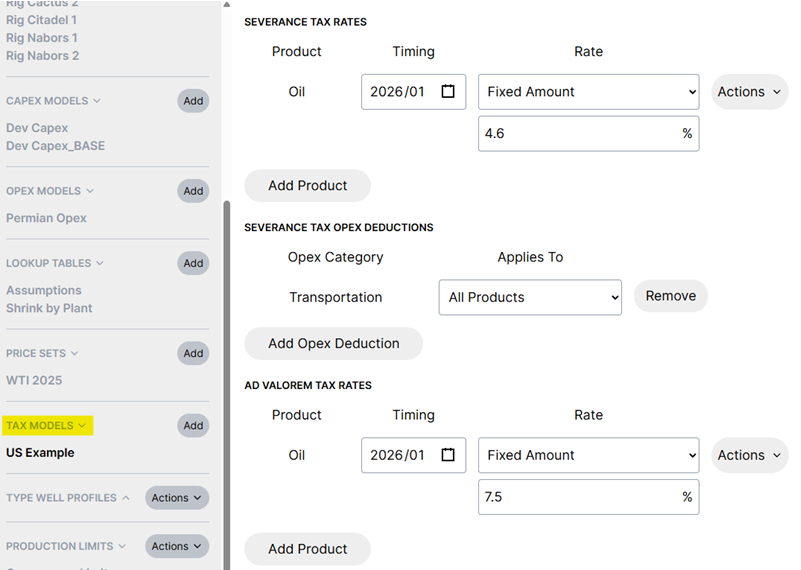
Then you can create a tax model under assumptions for that tax type. For example, United States taxes include severance and ad valorem rates:
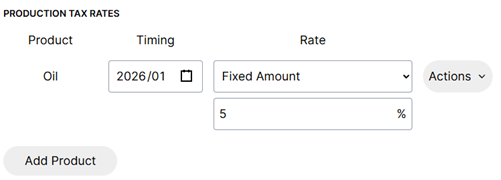
While the generic tax type includes a single rate:
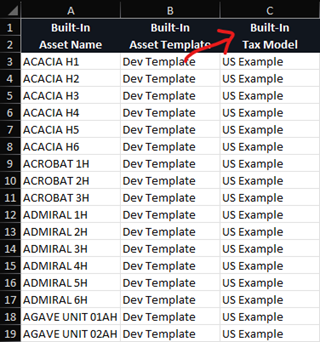
You can specify a tax model for each asset from the Inventory tab or through "Import Headers":
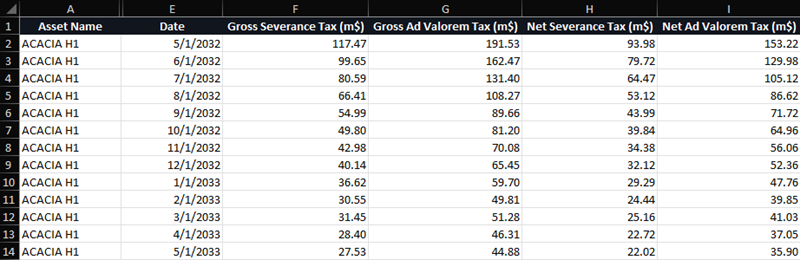
"Export Production Taxes to Excel" option is available under Exports. This is also included in Spotfire and Parquet exports. The export looks similar to this and varies depending on the tax type for your plan:
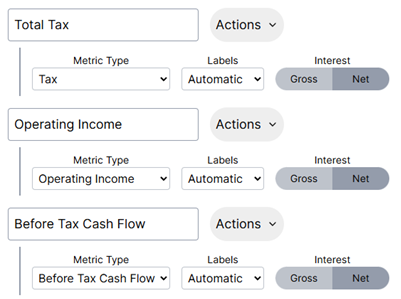
Taxes are also available to view as a Metric below the schedule. To add taxes to your view go to Settings > Metrics and add a new metric.