CapEx - Lookup By Well Count Example
Let's say you have a cost that varies based on pad size. Assuming you have a pad name attribute, you can use a combination of a count function and number parameter to pull that value from a lookup table.
Here's the set-up:
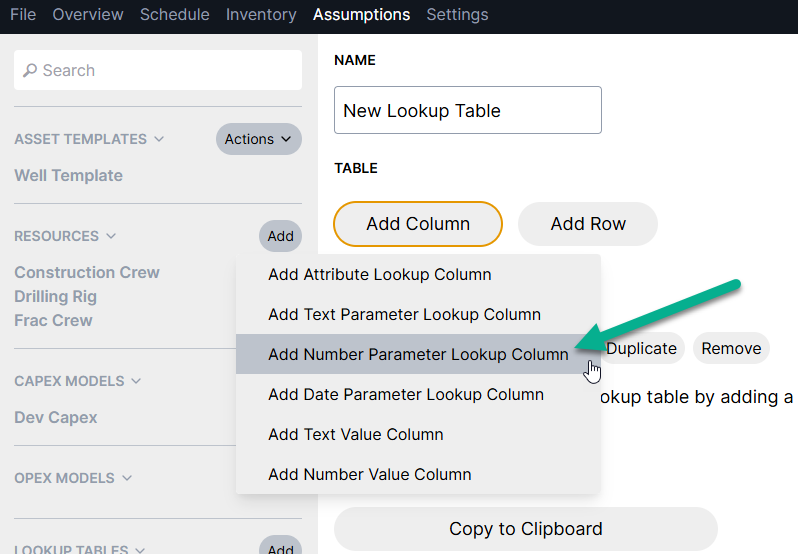
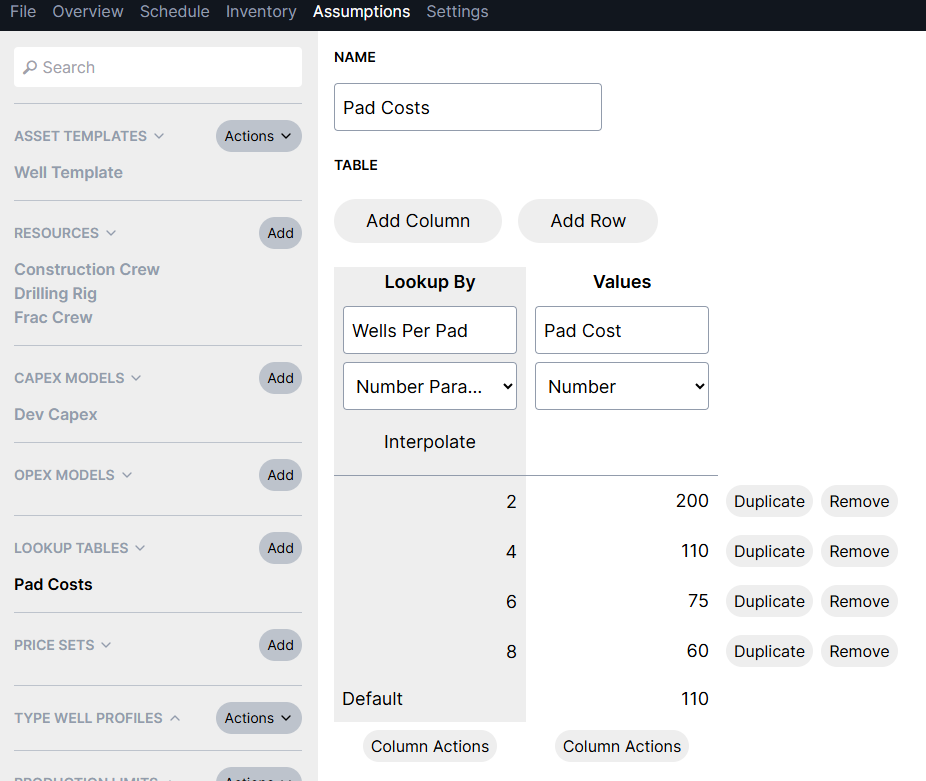
In a lookup table, use a "Number Parameter" as the first "Lookup By" column. The values in this column should be your "number of wells per pad" options. Apply the appropriate costs per pad size in the "Values" column.
In the capex model, you'll use a "lookup_with_parameter" function to pull the appropriate value from the table.
For the pad example, this looks like:
lookup_with_parameter("Pad Costs", "Pad Cost", count_same_attribute("Pad"))
This function would look up the pad cost based on however many assets have the same value for their "Pad" attribute. Note that this is still a well level cost, which will apply per asset.
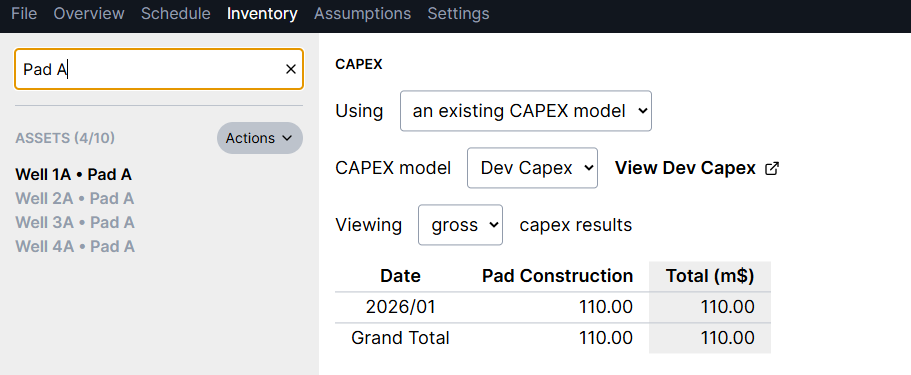
Check results in the inventory: