File Management
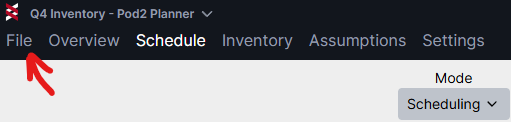
In Planner's File menu you can view and manage your plans. Files can be saved locally or on network drives.
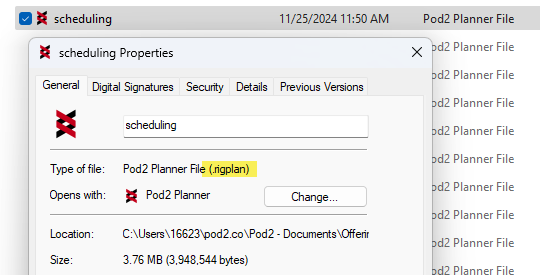
Planner models are saved as .rigplan file types
We typically see the best performance when working off of plans that are saved locally. Shared/network drives may introduce some latency to the interface.
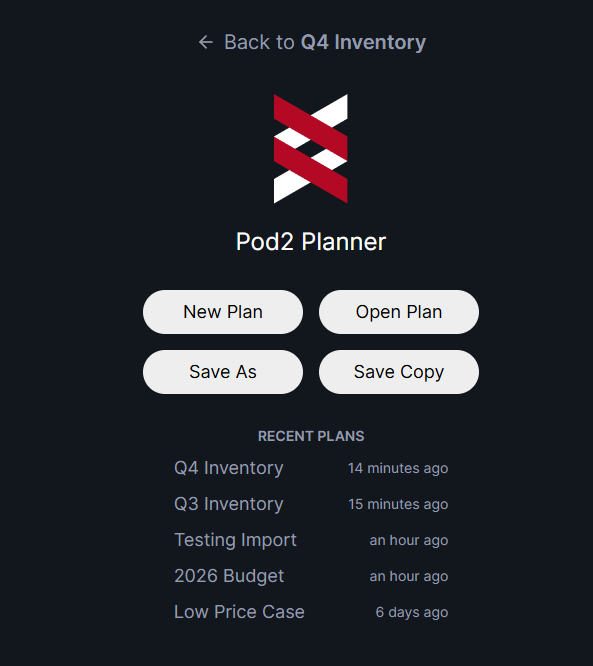
In the File section you can:
- Create a new plan
- Open an existing plan
- Save as
- Save copy
- View recent plans
- See when recent plans were last modified
"Save As" will save the current plan with a new name, and you can continue working on the newly saved plan. This can be useful for switching to a new copy of a plan before you make changes to it.
"Save Copy" will save a copy of the current plan with a new name, but you'll keep working on the original plan. This can be useful when you've made a set of changes and want to save off a version before you make more changes.
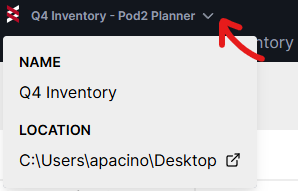
You can quickly see the location of your current plan by clicking the drop-down next to the file name.