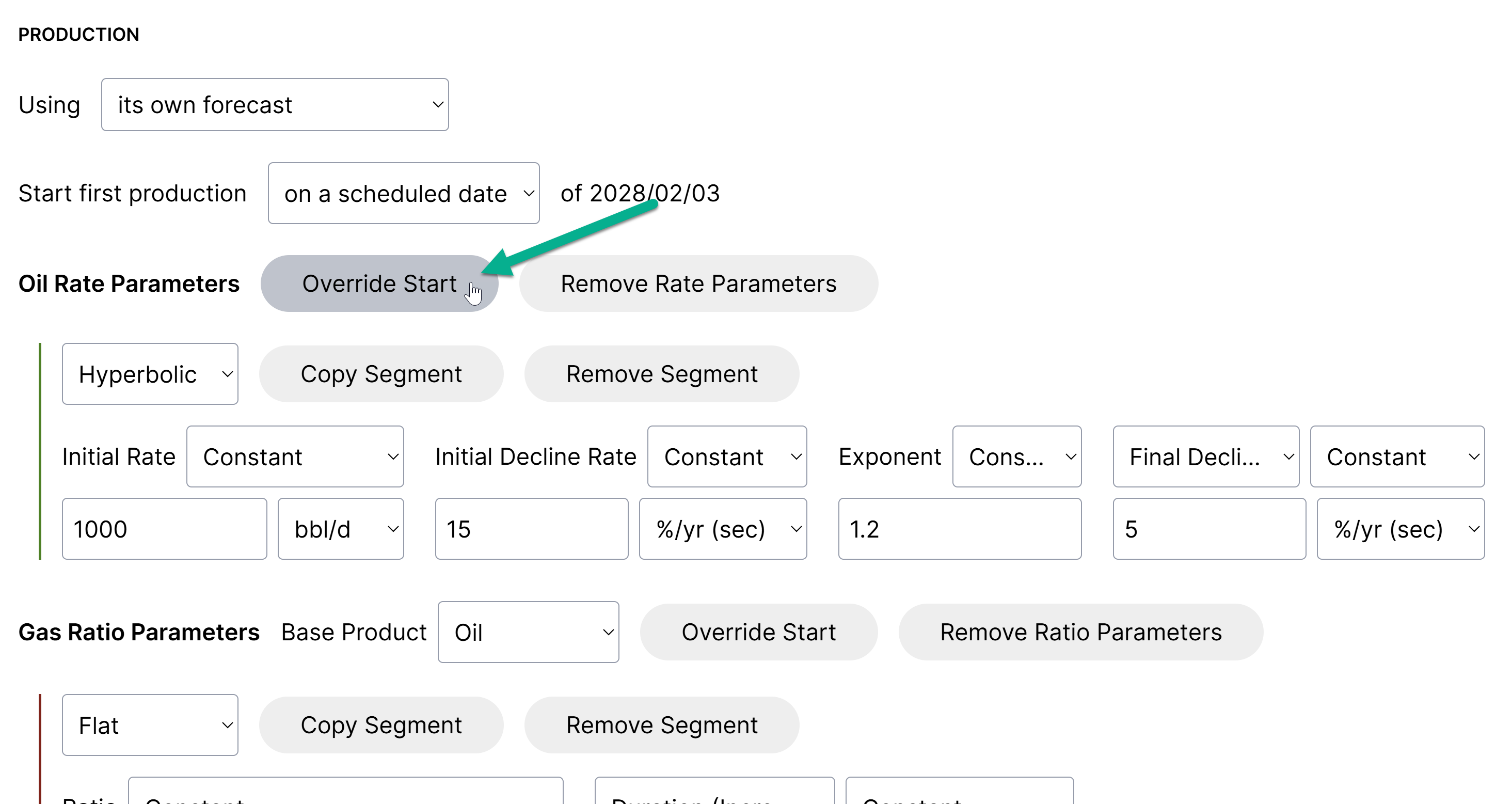
Production | DCA Parameter Inputs
In addition to monthly arrays, Planner also supports decline parameter inputs for production forecasts and type well profiles.
You can create decline parameters in-app, by importing from an Excel template, or by using our direct integration with ComboCurve. We'll add more direct integrations based on demand, so please reach out if you have a specific need that we haven't yet covered.
Importing Parameters from ComboCurve
The ComboCurve integration includes an option to "Include production in import". By having this checked, parameters will be imported in addition to inventory wells and mapped attributes.
Here's an example set-up where the import is filtered down to Permian wells in the "Permian Q4 Inventory" project from ComboCurve:
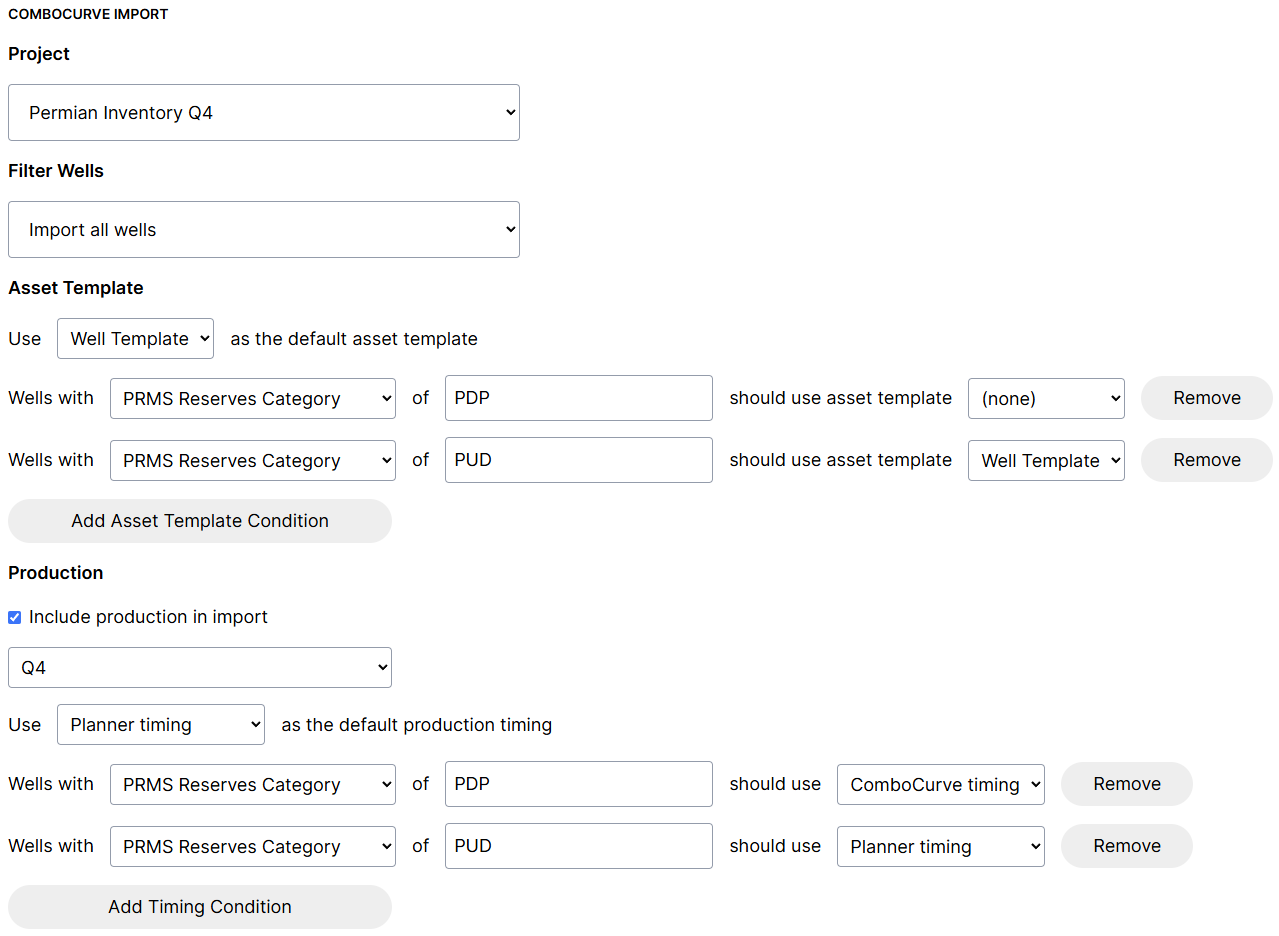
Two important settings in the Production section of the import will control the decline start timing:
If PRMS Reserves Category = PDP, ComboCurve decline start dates will be used
If PRMS Reserves Category = PUD, Planner scheduled dates will be used
And Planner timing will be used as the default, if no PRMS Reserves Category data is found
A configuration like this is ideal for typical use cases where ComboCurve is the system of record for producing wells' timing, and Planner timing is used for future wells.
Importing Parameters via Excel Template
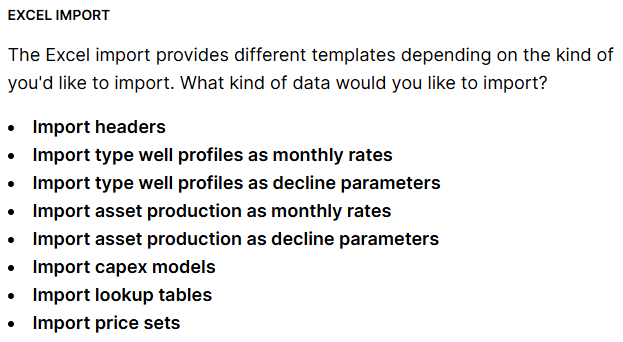
The Excel import includes templates to import decline parameters for type well profiles and assets:

Creating Declines In-App
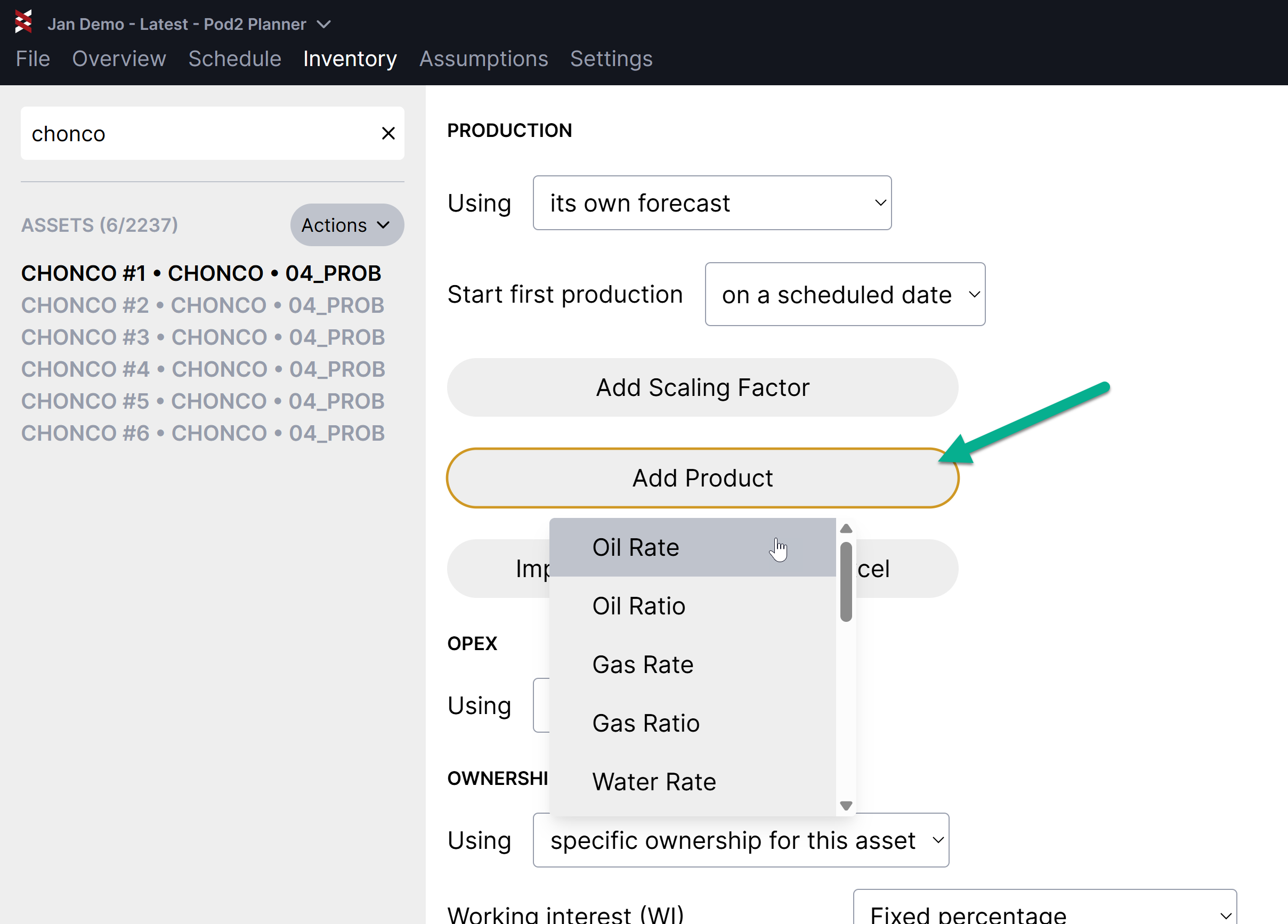
To manually add a decline to a forecasted well in Planner, navigate to the Production section of the Inventory
To add declines to Type Well Profiles, the process is the same, but staring in the Type Well Profiles section vs the Inventory
Hit "Add Product" and choose the appropriate product stream/type:
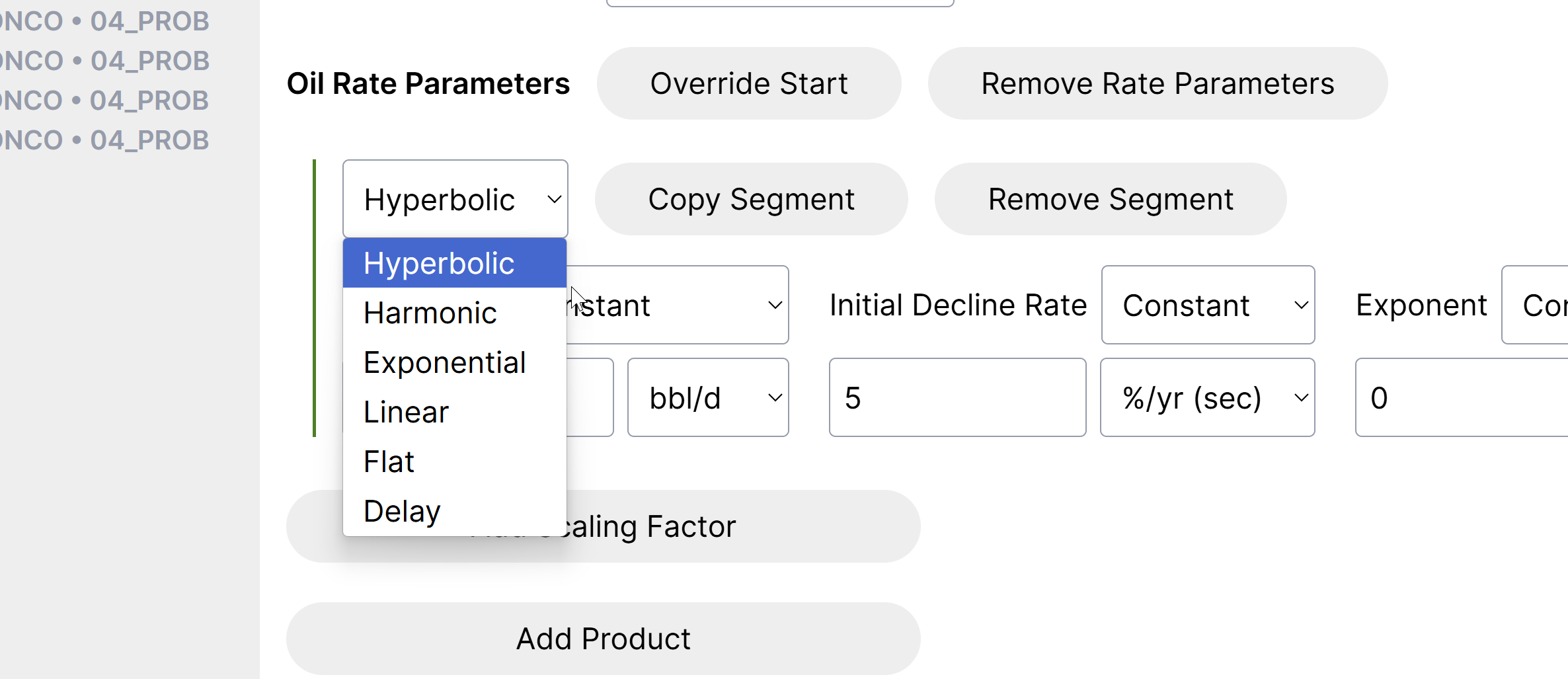
Choose from the following segment types:
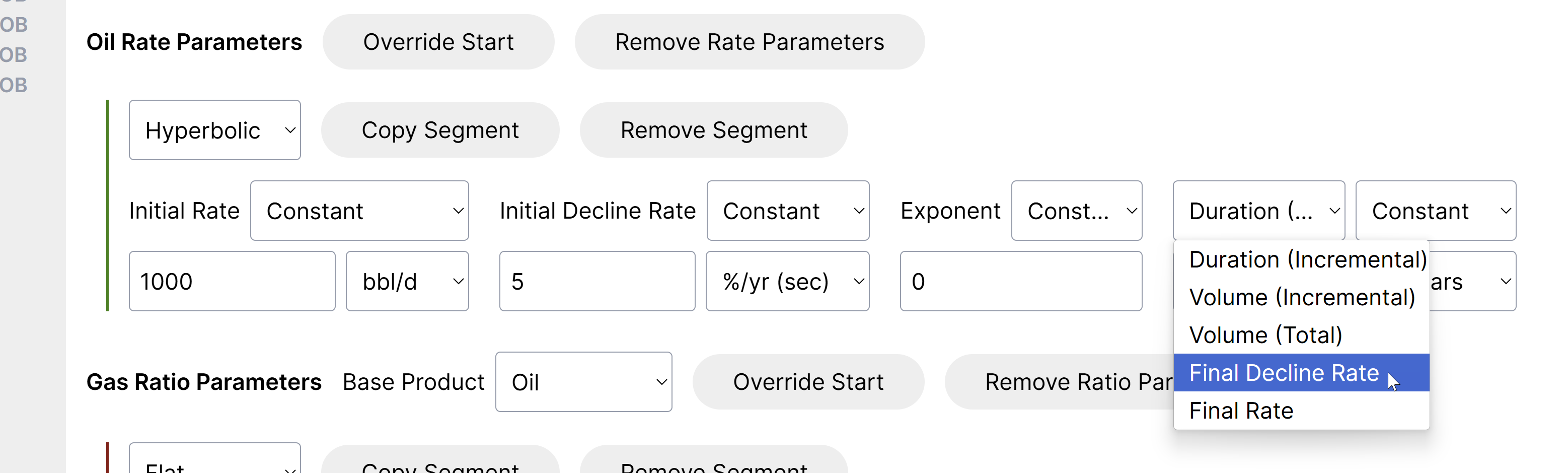
Select the appropriate cut-off type:
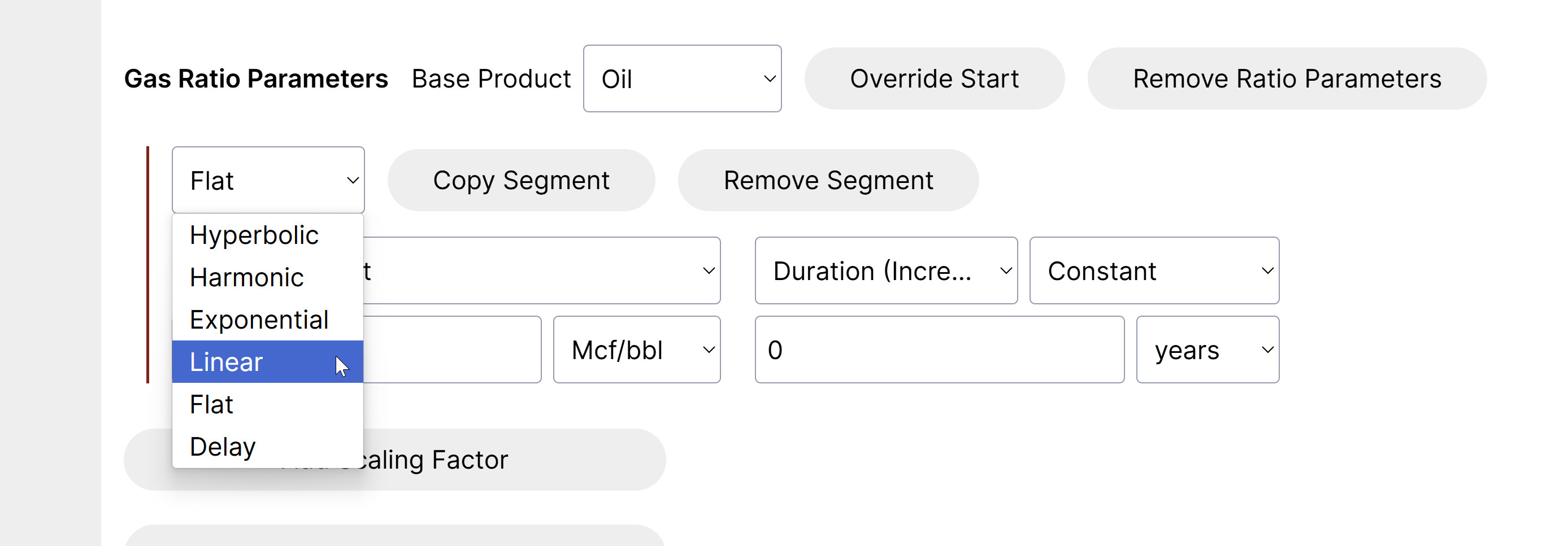
The following ratio types are supported:
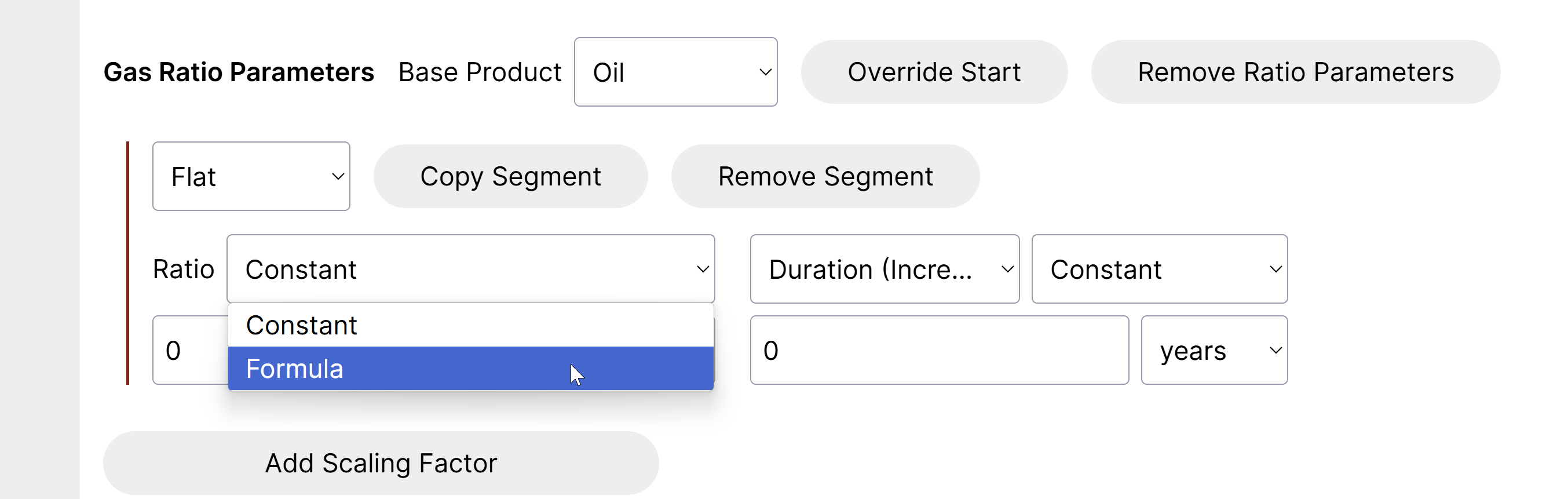
Specify if the initial rate and other inputs will be a constant or a calculated field:
Input values for each section.
Once you have a set of inputs that evaluates, you'll see an estimated EUR in the summary section:
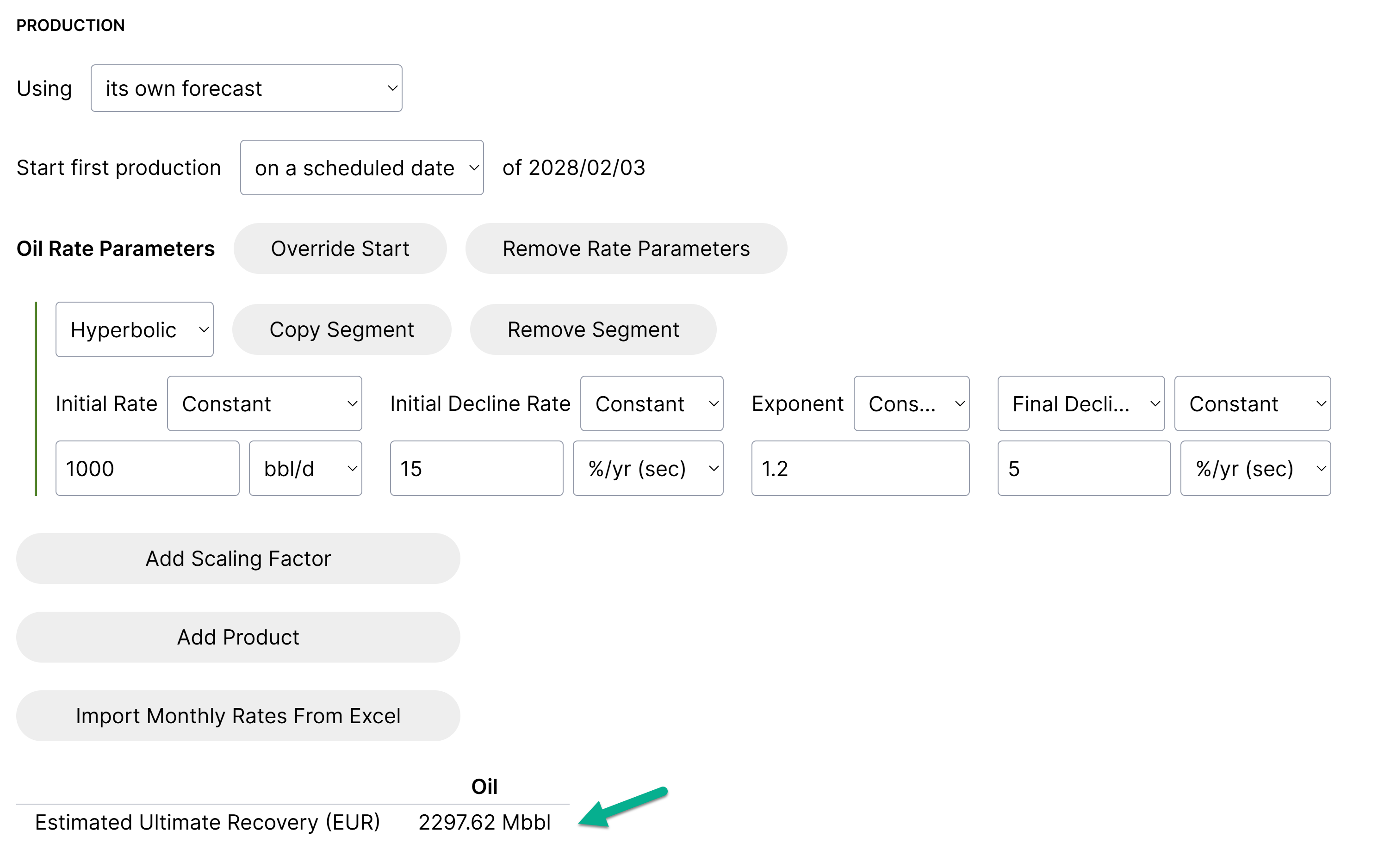
"Override Start" can be used in situations where some products need to start at different times