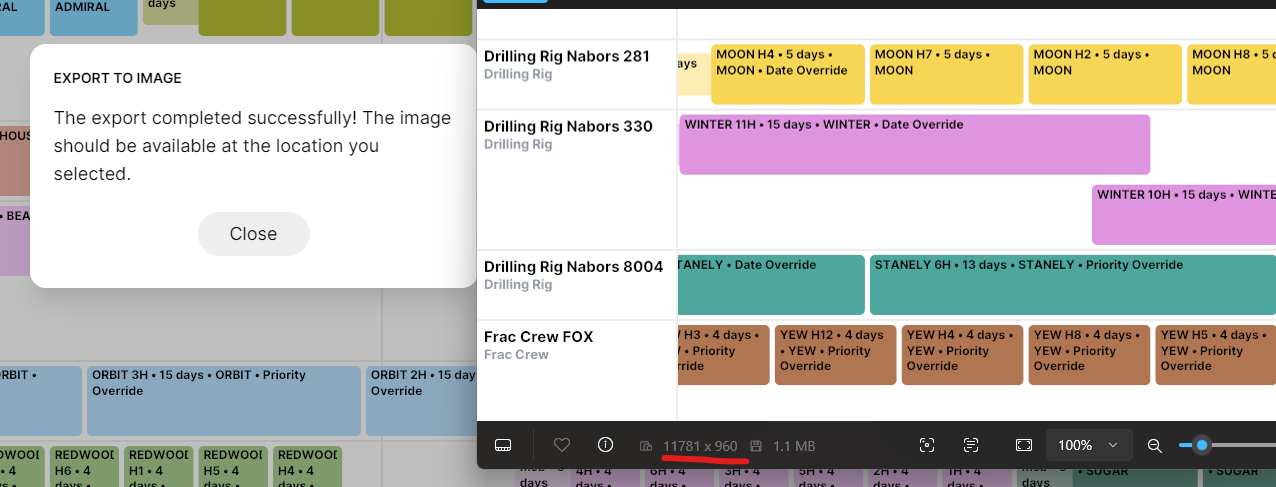
Exporting Gantt Chart Images
Planner has the ability to export images so you can easily generate images from your schedule for sharing & documentation.
Here's what it looks like:
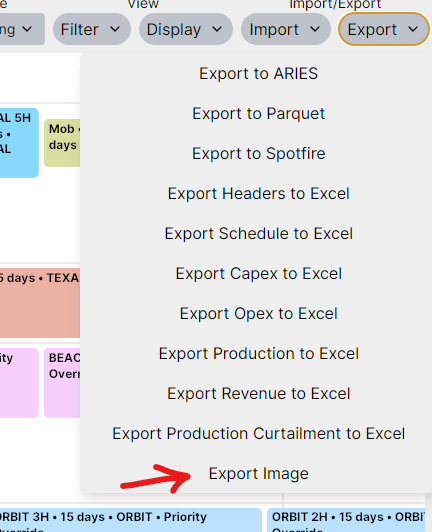
This opens a window where you can specify the time range, zoom, row height, and other details about what you'd like to include on the image.
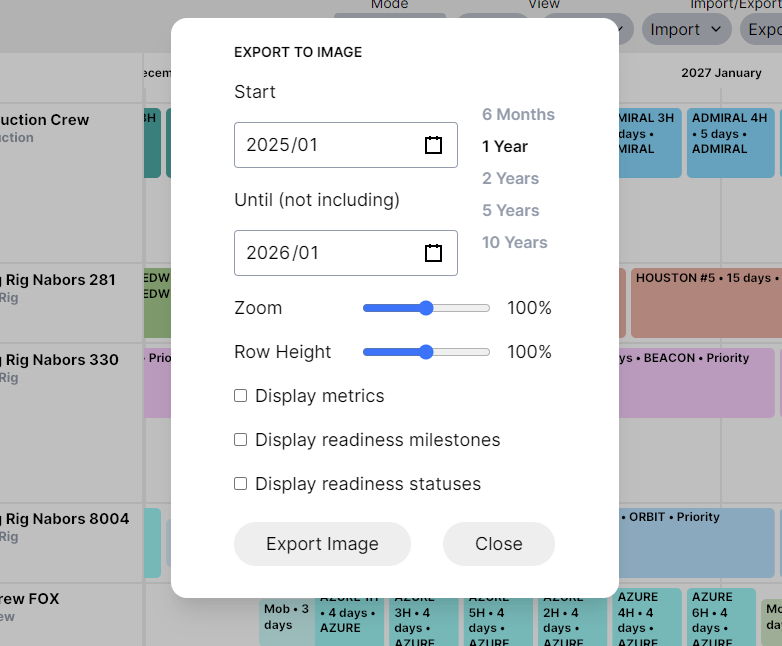
"Export Image" selects the location to save the image. The exported image will be a single large image file (png) that you can easily send in email or print.