Excel Integration | Importing Dates & Activity Actuals
Updating Schedule Data for Historic or Upcoming Activity
Let's say you have actual activity data coming from another system, and you'd like to import those dates & durations directly into the planner so that past activity is accurately reflected.
You can use the headers import to import start dates, durations and assigned resources to be sure recent operations are up to date in your plan.
In this example, we're updating drilling data for the Harper pad:
The import requires:
- Asset Name (or another Unique ID)
- Asset Template
- Drilling Start Date
- Drilling Duration (optional*)
- Drilling Resource
The header names should match the activity names exactly as they are in your Asset Template
*Duration is optional. However, if you do not update durations the auto-calculated durations will remain. You may see schedule gaps or overlap if they do not align with the updated start dates.

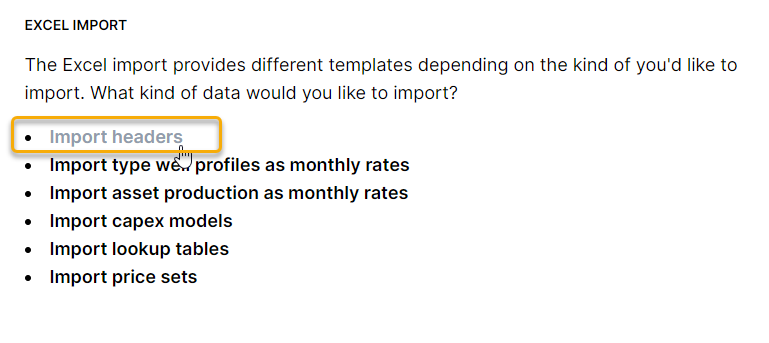
Copy the data you've formatted in Excel and use Import Headers to make the updates in the Planner
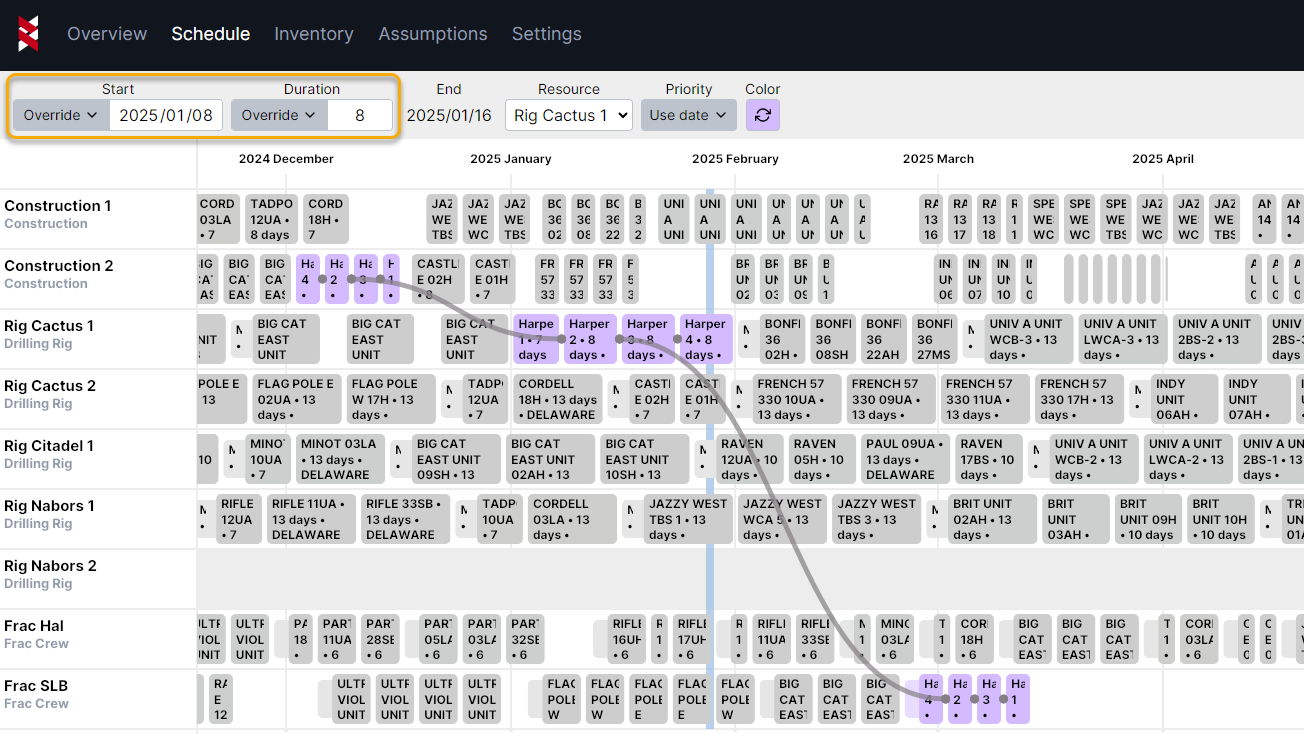
Once you've completed the import, you can see the start date and duration are now set to "Override" in the Gantt chart.