Production | Offset Activity Interference / Shut-Ins
Offset Activity Interference/Production Shut-in based on Activity
The Planner allows you to set up rules shut in well production during certain types of nearby activities. For example, you can shut in production of nearby wells during a frac activity to prevent frac interference. These rules can be specified in the Assumptions tab.
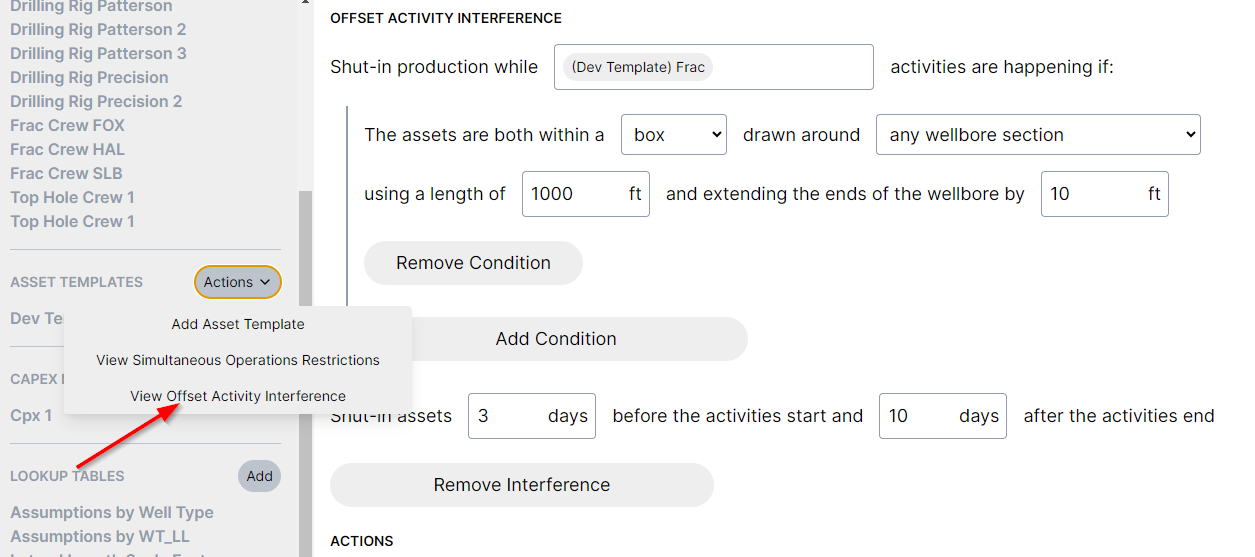
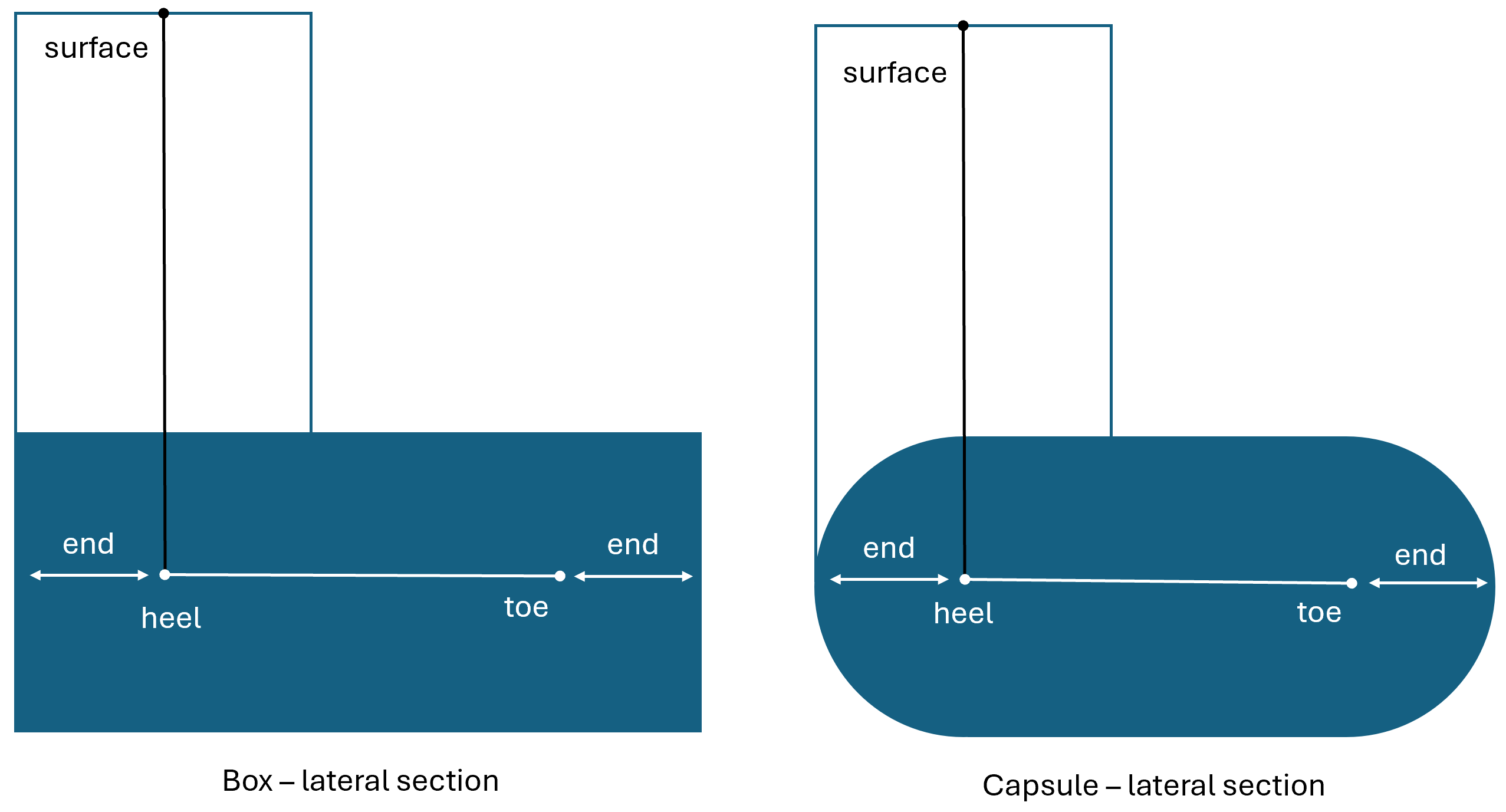
The shape of the shut-in area can be defined as a box or a capsule, and drawn around the entire wellbore, or just the lateral section of the well. You can specify how many days before or after the activity that the shut-in should apply.
Additional conditions can be layered on (e.g only shut in wells in the same zone)
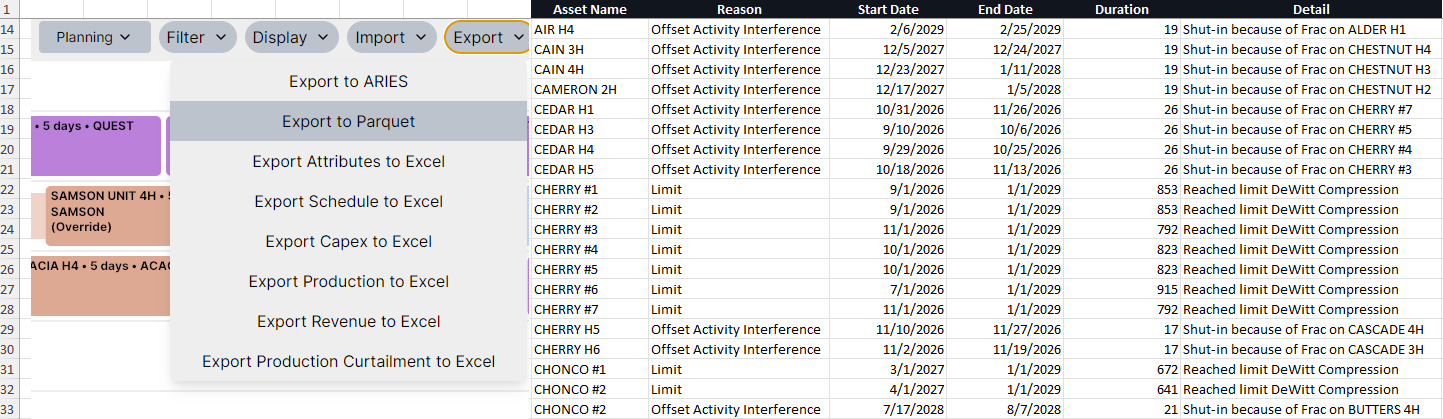
The shut in wells can be viewed via the Production Curtailment export. This export shows both wells curtailed both due to activity shut-ins and production limits.
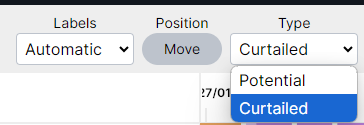
Production can be viewed either as potential or as the curtailed amount. Curtailed production accounts for the daily shut-ins during the month.