
Economics | Price & Revenue
Price sets can be imported from Excel or added manually under the Assumptions tab:
|

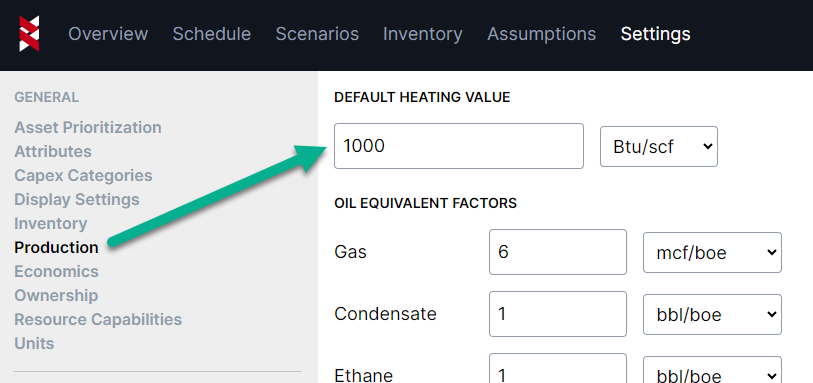
Under Settings > Production you can adjust the default heating value that will be used in revenue calculations
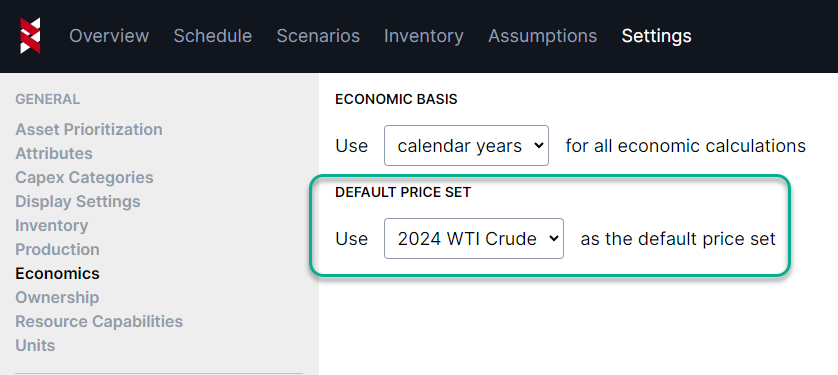
If only one price set exists, it will automatically be selected as the default which will apply globally to all assets
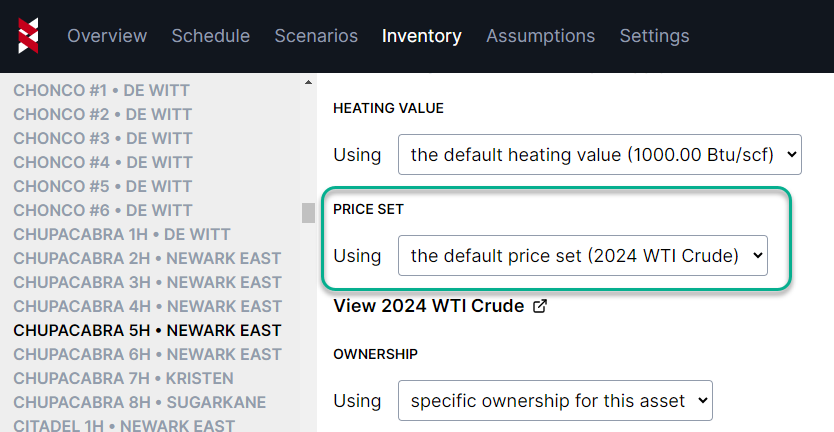
Price sets can be assigned per well in the inventory section
As soon as you've added a price set, you'll see a new revenue metric appear on the Schedule tab. This works the same way as the capex and production metrics, and will show you revenue changes in real-time as you drag and drop activities around.
|

You can also export revenue to Excel the same way you'd export other results from the Schedule tab