
Working with a Schedule | Drag & Drop Modes
Basic Inputs
Inventory: a list of wells, facilities, etc. that need to be scheduled and considered for capital & production forecasts
Asset template(s): templates define sets of activities, groupings and resource types required for asset development
Resources: constrained resources such as rigs and frac crews set the pace, ensuring plans are realistic. Mobilization time can be applied here
Priority: uses an attribute to set a preferred order. This can be an economic metric such as NVP, a date, or a generic list of values
Scenario analysis and operational updates
Planning Mode vs Scheduling Mode
TLDR
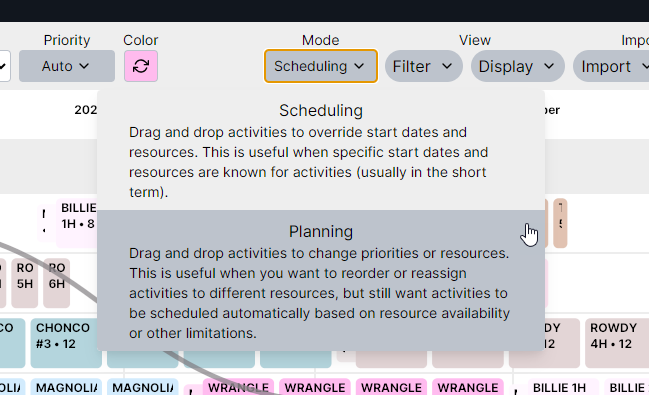
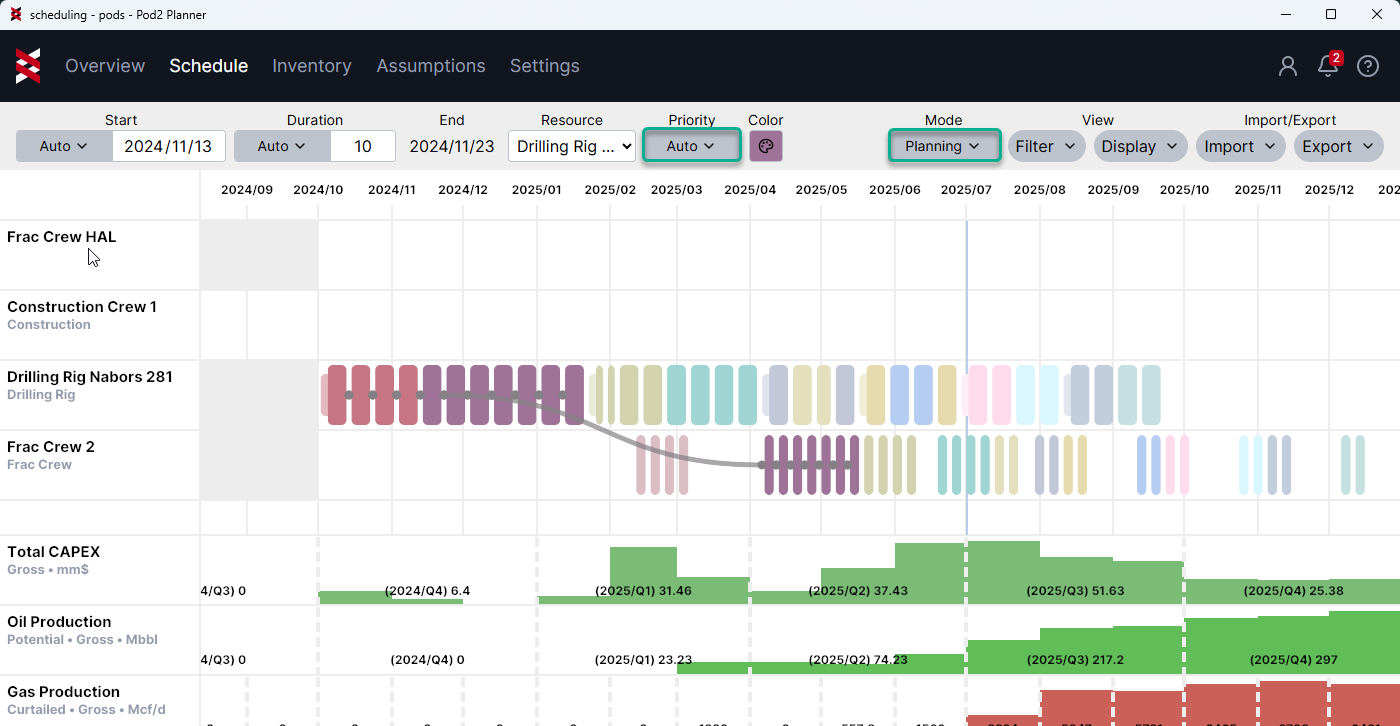
Planning Mode: overrides the schedule priority. Use to reorder assets without causing gaps or overlapping activities
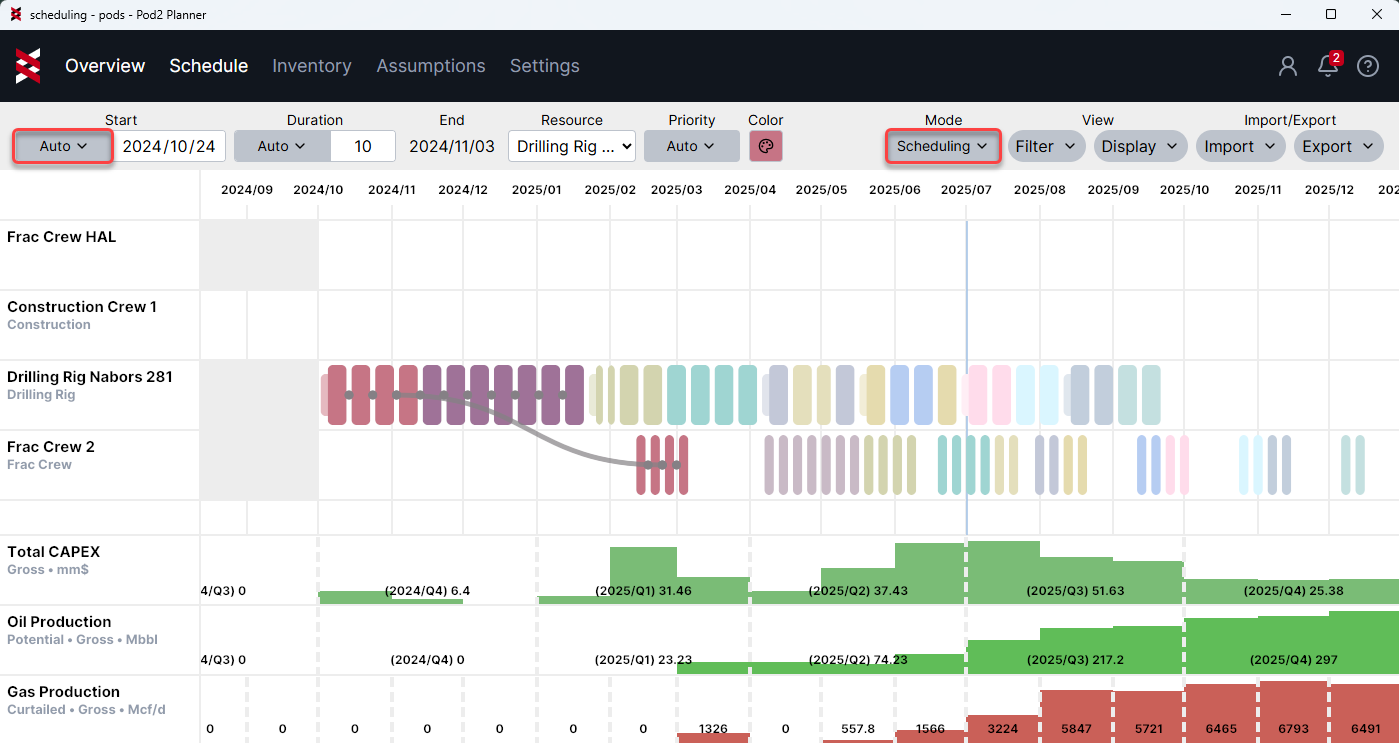
Scheduling Mode: overrides the schedule start date. Use to hard-code asset dates. Will allow overlapping activities and gaps
Further Explanation
- Initially, assets are auto-scheduled based on the assumptions summarized above (inventory, templates, resources & priority)
- A duration can be modified from it’s default, and the input will be tracked as an override (relative order and assigned resources will remain flexible)
- Manually changing the assigned resource on an activity will also be tracked as an override
- When dragging and dropping, there are two modes to choose from that will dictate an activity start date:
- Planning mode: used to rearrange the relative order of activities while still honoring resource constraints and rules
- Scheduling model: used to hard code specific start dates, violating other constraints if desired
- Assets can be converted back to auto mode at any time, and the auto logic will take back over, dictating the order and resource
Tips & Recommended Practice
- Only activities that require resources will be visible from the Gantt (and they can be hidden if needed)
- Use Ctrl + G to see grouped assets in the Gantt chart
- Type an open bracket [ to expose attributes for calculated fields
- Avoid dragging and dropping "just in time" activities like pad construction. Most use cases work best when rearranging driving steps like drill or frac
- When dragging & dropping, select the first asset in a group to keep the group together
- There are two ways to split a group:
- Update the applicable attribute to decouple (ex: to split a pad into two groups for frac, create an attribute for “frac group” and give different names to the appropriate inventory wells)
- Manually grab assets in the middle of the group to separate them (their attributes and original assumptions will remain intact, and if they are converted back to auto model, the group will be scheduled together again)