Register: once the Planner is installed and running, it will ask you to sign in. Click on this prompt and a sign in page should open in your browser. You can sign up for an account at the bottom of that page After you’ve signed up, you’ll be prompted to verify your email address
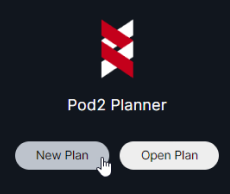
Get started: once you’ve verified your email address, you can close the browser window and you should see the new/open buttons in the Planner. If you want to get started right away, you can follow the instructions in our Getting Started Guide. Otherwise, please reach out to Pod2 for assistance: support@pod2.co